Sources & Plex
Connect an IPTV source or a personal Plex Media Server.
Source setupSUPPORT
Find quick answers for setting up an IPTV source, linking Plex, fixing guide listings, and getting the picture and sound you expect.
Browse support topics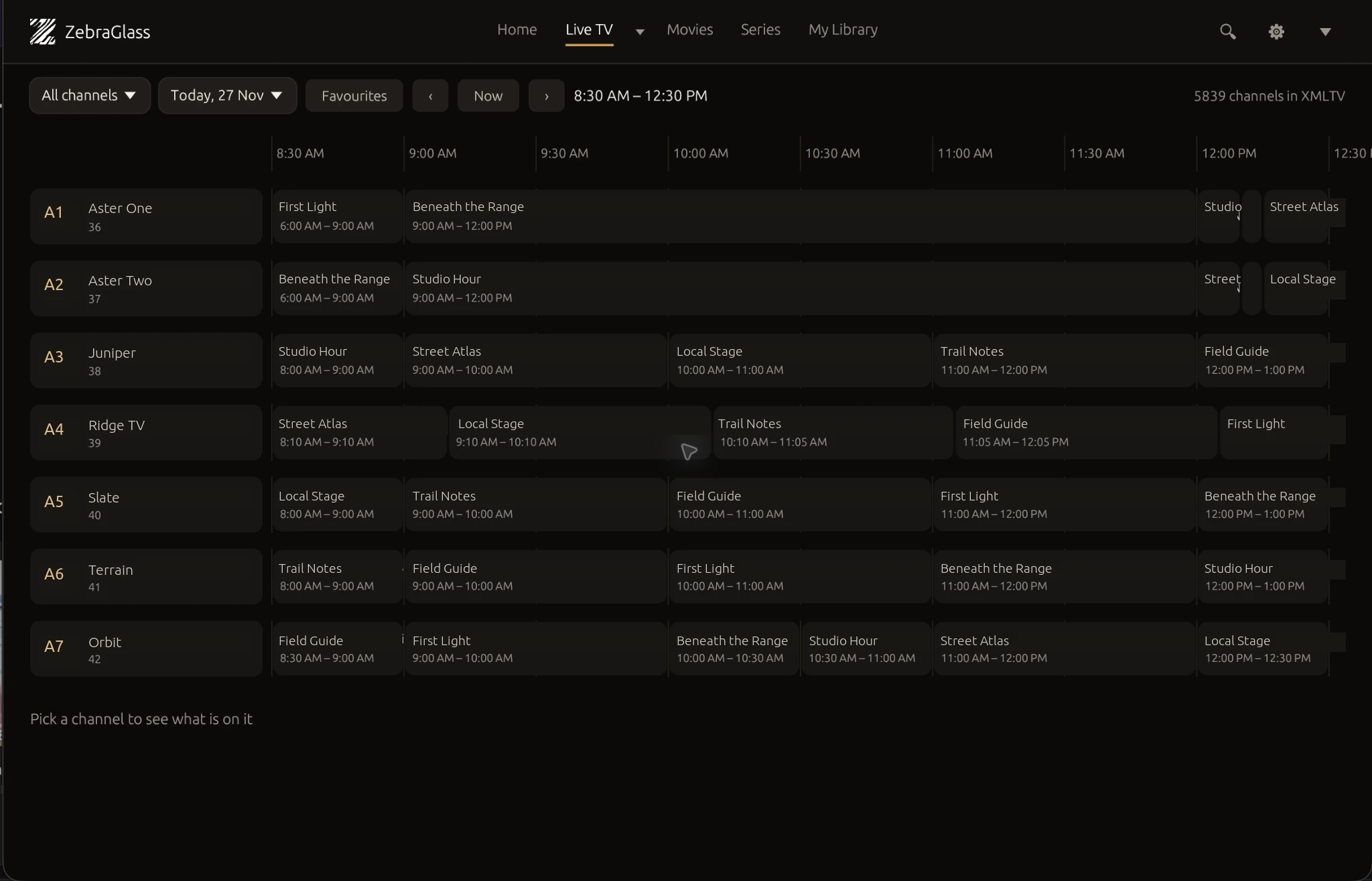
HELP TOPICS
Connect an IPTV source or a personal Plex Media Server.
Source setupGet listings, check catch-up and find your recordings.
Live TV helpCheck upscaling, audio tracks and receiver output.
Playback helpFind completed downloads and keep your saved media safe.
Library helpSOURCES
Use the format named by your provider. Xtream and OneStream normally have a server and login; M3U has a playlist URL; Stalker/MAG uses a portal. See the supported sources.
Open Add playlist in the app, choose the matching source type, and enter the details from the provider. Save and connect, then test one channel or title.
Confirm you picked the intended playlist. Check its compatible XMLTV feed or provider guide, then refresh the guide in EPG settings.
The listing and the replay are separate. The provider must offer catch-up on that channel and still have the programme in its replay window.
PLEX
Choose Plex in Add playlist. Follow the link displayed by the app, approve it on Plex’s site, then select a server you can access.
Check that the account can see a personal Plex Media Server. The public Plex streaming service does not count as a server library.
PLAYBACK
Start with High. Rewatch the same scene in Standard or Off if playback stutters. A heavier preset is not a fix for a slow source connection.
Check the selected track, device, HDMI path and receiver. PCM is expected when the path cannot pass through the compressed track.
Try another stream from that provider at the same quality. If the one channel still fails, check it with your provider before changing all settings.
OFFLINE
Check Downloads or Recordings in the app. On iPhone and iPad, also check its Documents folder in Files. On desktop, see the configured path in Settings. Don’t remove a source or clear app storage to troubleshoot a missing file.
No. Back up irreplaceable media separately before uninstalling or clearing storage.
The title and source must be eligible. A programme guide entry or a live stream is not an on-demand download.